 For iPhone, iPad and Android
Never open a laptop for paperwork again.
Photograph the page and Printer Pilot hands you a clean, searchable PDF. Fix the typo, drop your signature on it, merge it with the other file, ask it what a clause means — then send it to your printer. One app, one phone, no desk.
Google Play coming soon
Invoice · 2291
Northgate Supplies
Invoice 2291 · Issued 14 March
Billed to Jhon Smtih
Terms: net 30 days from the date of issue.
Goods remain the property of the supplier until paid for in full.
Claims for shortage or damage must be made in writing within seven days.
Approval
The undersigned confirms the goods listed above were received in full and approves payment against invoice 2291.
Payment will be released against this approval within the agreed terms.
Seven steps and two devices, or four taps on the one you are holding.
Nothing about signing a form should require finding a desk first.
Without it
7 steps- Find the office scanner, or photograph the page and hope it is readable
- Email the file to yourself
- Open a laptop to fix the one wrong line
- Print it, sign it by hand
- Scan the signed copy back in
- Find a web tool to merge it with the other PDF
- Email it to yourself again to print the final version
Two devices, three tools, one desk you have to be sitting at.
With Printer Pilot
4 steps- Photograph the page — you get a clean, searchable PDF
- Tap the wrong line and correct it
- Drop your signature where it belongs
- Merge the other file in and send it to the printer
One app. One phone. Wherever you happen to be standing.
A photo of a page is not a document. This is.
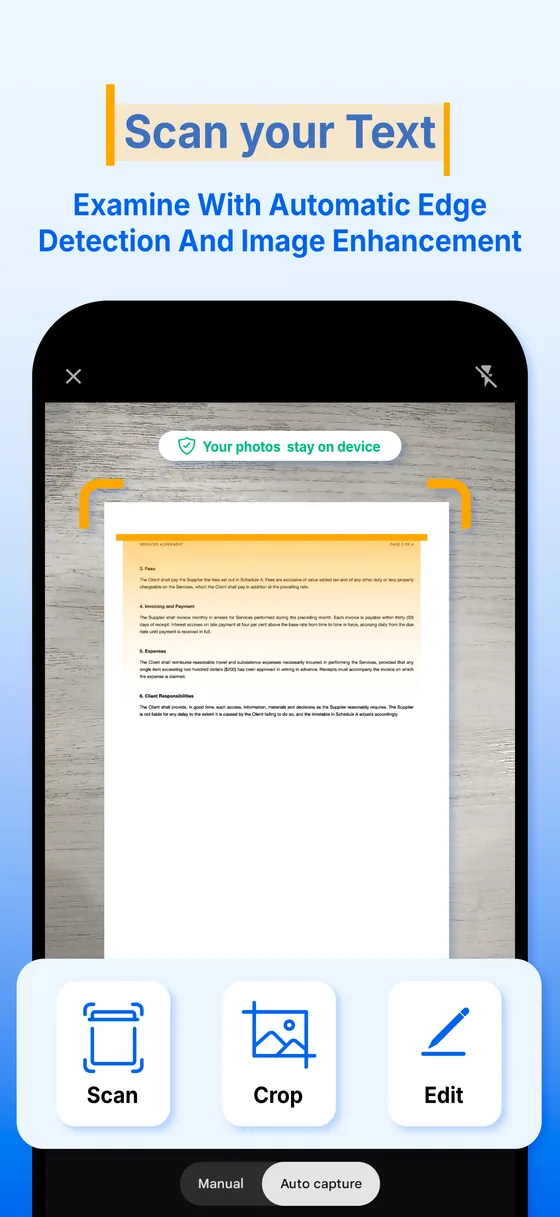
Point the camera and Printer Pilot finds the edges, straightens the page and takes the room's lighting back out of it. Keep going until the whole document is captured.
- Automatic edge detection, deskew and crop
- Enhance, Original, Grayscale and B & W, switchable after the fact
- Add page after page until the document is whole
- Free, with no page limit and no watermark on your file
Northgate Supplies
Delivery note 4471 — received 14 March. Please retain this copy for your records and present it with any claim.
Goods remain the property of the supplier until paid for in full.
Claims for shortage or damage must be made in writing within seven days of delivery.
The filter is applied to the capture, not baked into it — you can change your mind on page 3.
Search the words, not the filename.
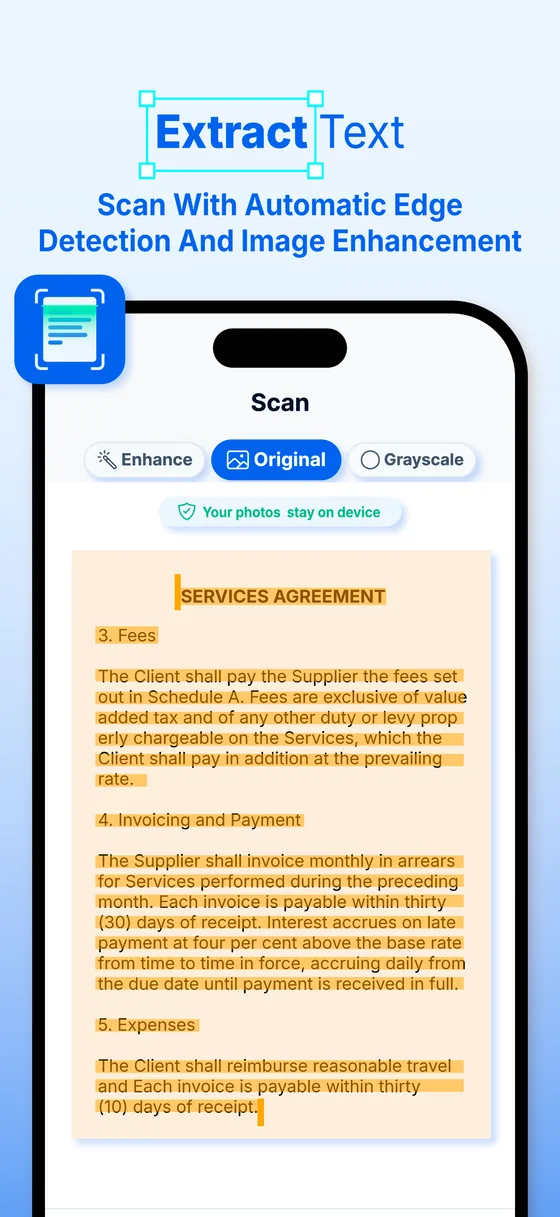
Text extraction runs on your device the moment a page is captured, so a search for a word finds it inside a scan — and you can select and copy the text back out again.
- Apple Vision on iOS, Google ML Kit on Android — nothing is uploaded to be read
- Search across the whole library, not just the open file
- Select, copy and share the text out of a scanned page
- Smart naming and tagging suggest a filename for you (Premium)
ASSURED SHORTHOLD TENANCY AGREEMENT for the property at 14 Almond Road, dated 14 March.
The Tenant shall pay a deposit of £1,450 to the Landlord on or before the commencement date. The deposit is protected in a government-approved scheme.
The monthly rent of £1,450 is due on the first day of each month by standing order to the account nominated by the Landlord.
The Tenant may terminate this agreement by giving two months written notice, which may not expire before the end of the fixed term.
The Landlord shall keep in repair the structure and exterior of the property, including drains, gutters and external pipes.
A real search over the words the page contains. In the app those words come from on-device OCR.
Fix the text, not the scan.
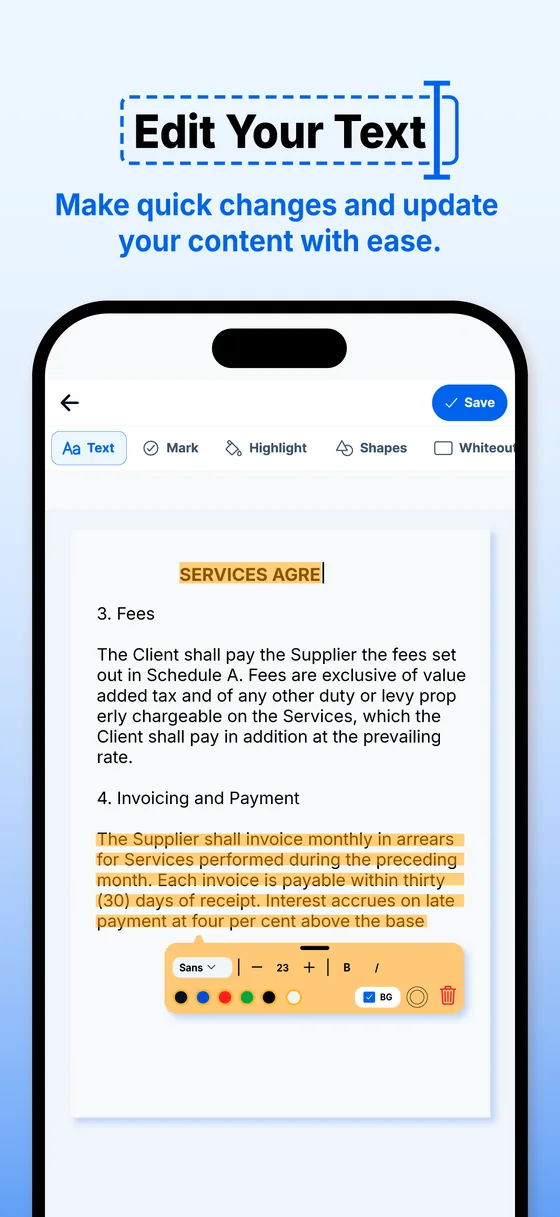
One wrong line should not mean starting the page again. Tap the line, retype it, and the correction is written back into the PDF.
- Edit any line of text in a scan or an existing PDF
- No laptop, no re-scan, no starting the page over
- The rest of the page stays exactly as it was
The corrected line is written back into the PDF itself, so it travels with the file.
Sign it without printing it first.
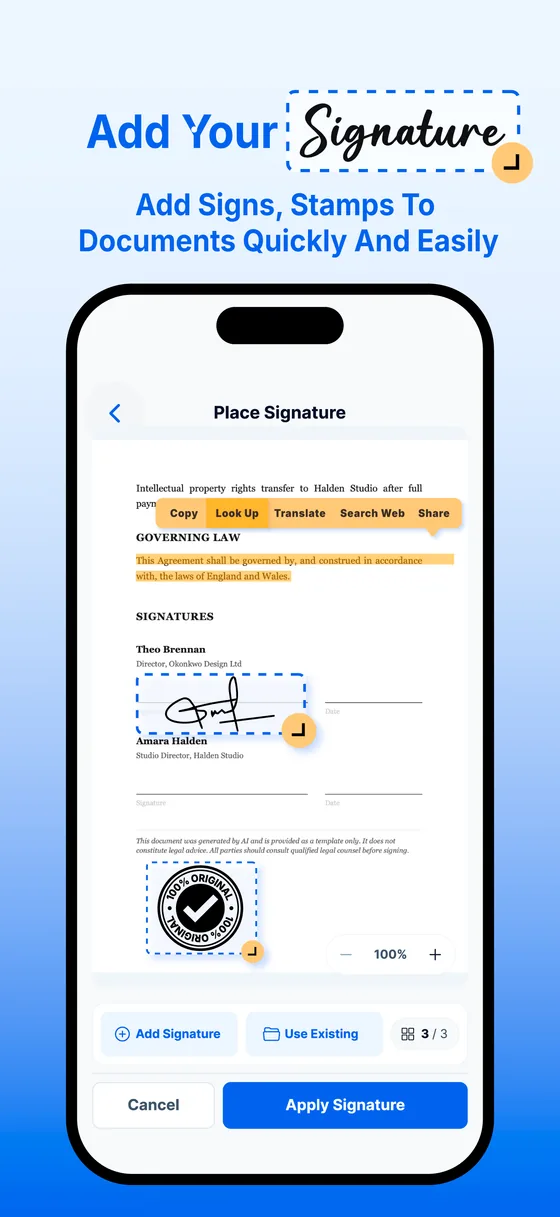
Draw your signature with a finger or type it, then put it exactly where it belongs. Stamps for logos, seals and watermarks work the same way.
- Draw, type, or place a stamp
- Drag and resize it into position on the page
- Reuse a saved signature on the next document
- Flattened into the PDF, so it survives being emailed on
14 Mar
Statement of work
14 Mar
Draw, type or stamp — then drag it onto the line. Your signature is saved for the next document.
Need someone else's signature? Send them a link.
Create a private signing link and send it however you like, or let the app email it. They read and sign in their browser — no app, no account — and you save the signed copy with a certificate of every step.
- They sign on their own phone or computer, by finger, mouse or typing
- You choose where the signature goes before you send
- Follow it from Waiting to Signed, then save the signed copy to your documents
- A signature certificate records when it was viewed and signed
The link expires in 14 days.
- Signing link created
- Emailed to sam@example.com
- Opened in a browser
- Signed by Sam Rivera
Signature certificate
- Signer
- Sam Rivera
- Viewed
- 10:42
- Signed
- 10:44, electronically, with consent
- Original
- SHA-256 · 9f3a…c21e
- Signed copy
- SHA-256 · 4b70…08d9
Saved to your documents · Check this record online
The signer is simulated here. In the app they open the link on their own phone or computer — no app, no account — and sign with a finger, a mouse or by typing.
Put the document back in the right order.
Rearrange pages, rotate the ones that came out sideways, drop the ones nobody needs, and pull two files into one — all on the page thumbnails.
- Drag to reorder, tap to rotate or delete
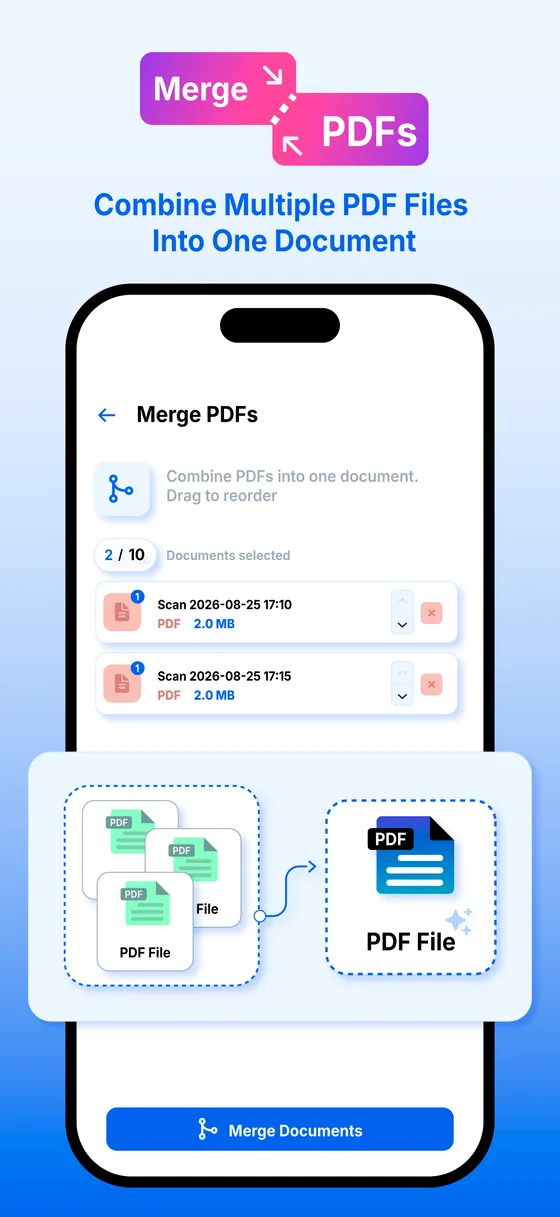
- Merge several PDFs into a single document
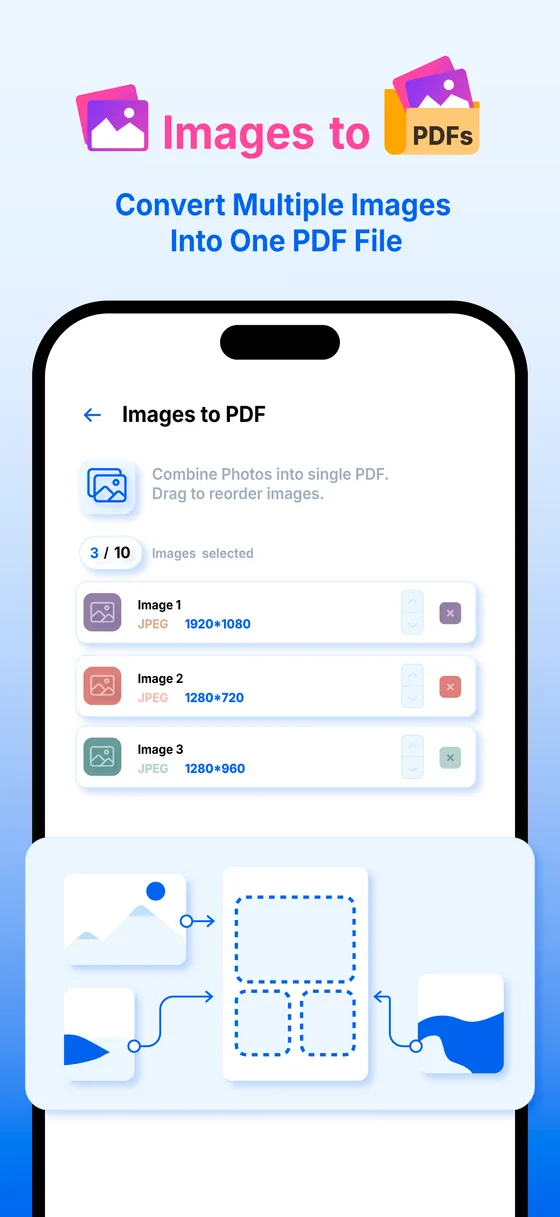
- Turn photos already on your phone into pages
- Compress and convert when the file has to be emailed
Merged pages and photos become part of the same file — one PDF, however many places it came from.
Ask the document what it actually says.
Summaries in short, medium or detailed. Questions answered from the pages in front of you. And the fields pulled straight out of an invoice, a receipt or a contract.
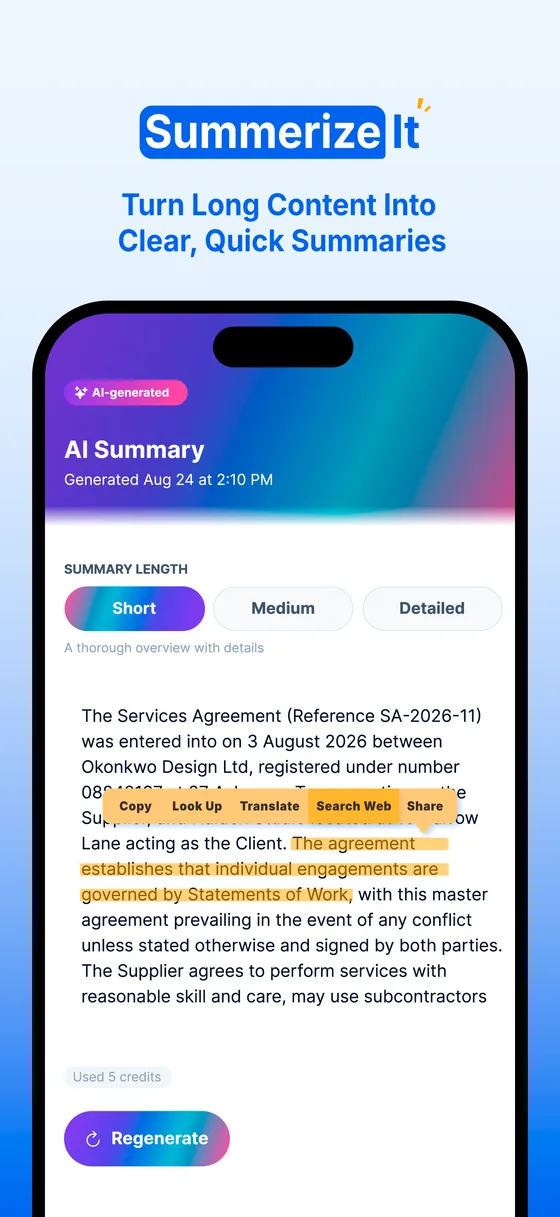
- Summarise a long document at the length you want
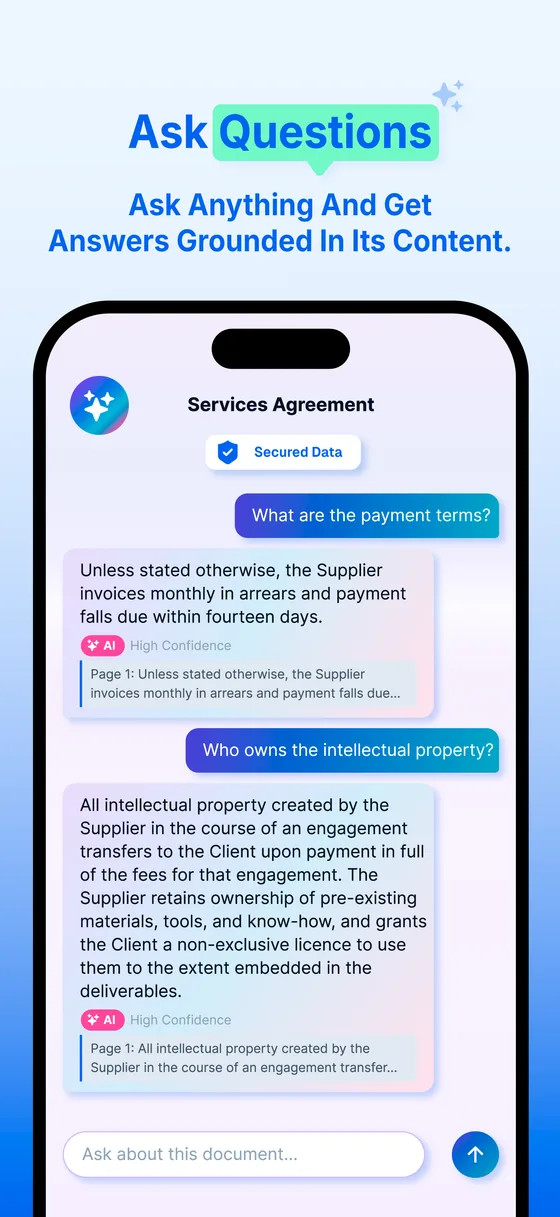
- Ask what a clause means and get an answer grounded in the file
- Extract totals, dates, parties and reference numbers into fields
- 50 AI credits a month on Free, 1,500 on Premium
48 AI credits left this month · included free
A scripted illustration of how the app answers — the answers are written in advance, and nothing here is sent to an AI.
A letter you can't make sense of, in plain words.
Open the letter from the council, the bank or the landlord and Printer Pilot tells you what it means, what you have to do and by when — then reminds you before the deadline.
- What it means, what to do, and who to contact — with the reference numbers you will be asked for
- Deadlines and amounts pulled out, with a reminder 3 days before and on the day
- Flags letters that look like a scam, and tells you what to do instead
- Listen to the explanation read aloud
Riverside Borough Council
Council Tax 2026/27 · Reminder notice
Account reference: 4002 1187
Our records show that the instalment of £186.40 due on 1 October 2026 remains unpaid. Under regulation 23 of the Council Tax (Administration and Enforcement) Regulations, you are required to pay the sum outstanding within seven days of the date of this notice.
Should payment not be received by 28 October 2026, the right to pay by instalments will be lost and the Council may apply to the Magistrates' Court for a liability order, in which case costs of up to £85.00 may be added to the account.
What this means
You have missed one council tax payment of £186.40. If you pay it by 28 October, you can carry on paying monthly as normal. If you don't, the council can take you to court and add up to £85 in costs.
What you need to do
We'll remind you 3 days before and on the day.
How to respond
Details you may need
A scripted illustration, written in advance rather than by AI. In the app the explanation is written by AI, and is not legal or financial advice.
Write the contract in the app you will sign it in.
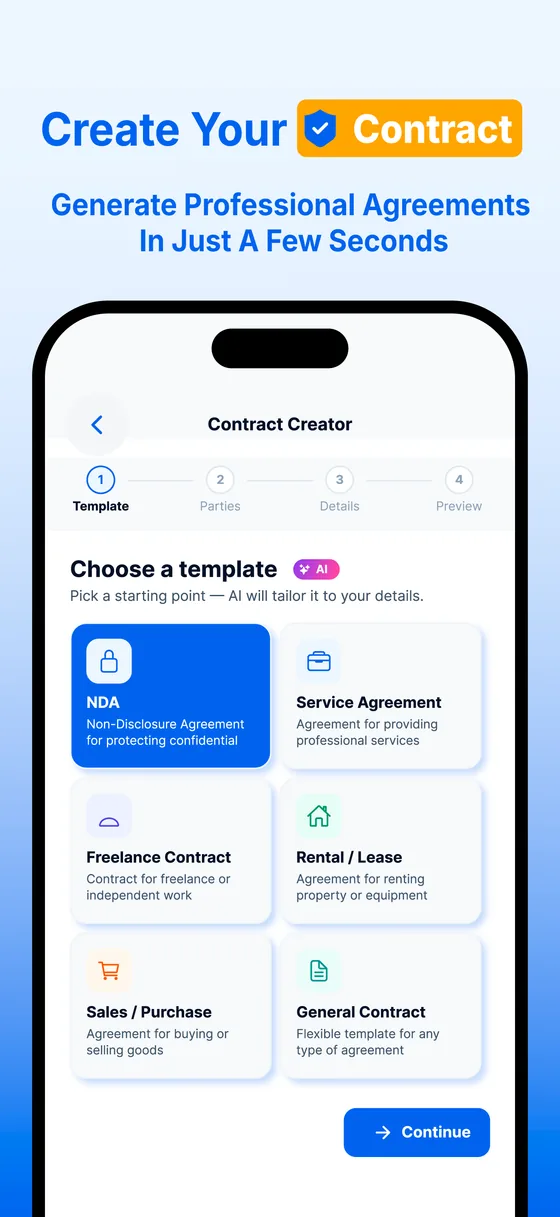
Answer a few questions and get a formatted agreement back — ready to edit, sign and send from the same screen, without a template site or a word processor.
- NDAs, freelance agreements, rental agreements and more
- Your answers are written into the clauses, not left as blanks
- Edit any line afterwards, the same way you edit a scan
- Sign and send it without leaving the document
Mutual non-disclosure agreement
Dated 14 March
Everything highlighted in the draft is an answer you gave. Every line stays editable afterwards.
Print from your phone, properly.
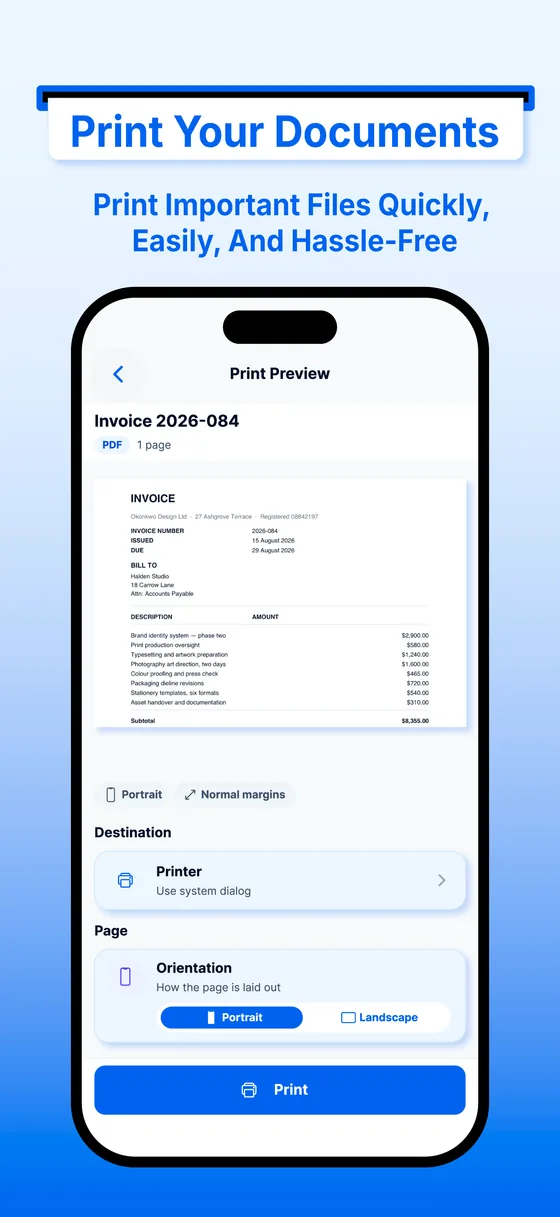
Printer Pilot finds the printers on your Wi-Fi, shows whether they are ready and how much ink is left, and sends the job straight to them. Then it follows the job until the last sheet is out.
- Finds printers on your Wi-Fi, or add one by its address
- Copies, colour or black and white, two-sided, paper size and margins
- Ink and toner levels, the print queue, and a fix-it guide for jams, paper and offline printers
- Follow the job as it prints, and cancel it from your phone
- Straight from your phone to your printer — nothing routes through our servers
Northgate Supplies
Waiting in the printer's queue
The printer, its ink and the job are simulated here. In the app they come live from your printer, over your own Wi-Fi.
The paper that runs a household, kept in order.
Receipts that need adding up, passports that quietly expire, homework that has to be printed again. Each has its own place in the app, one tap from Home.
-
Receipts
Receipts that add themselves up
Scan a receipt and the merchant, date, total and tax are filled in for you to check. Every month is totalled by category, and exports as a spreadsheet or a PDF report.
-
IDs & warranties
Never miss an expiry date
Mark a passport, licence, insurance policy or warranty as important. The expiry date is found on the page, and you are reminded 30 days before, 7 days before and on the day.
-
Homework
Homework, ready to do again
Lift blue, red and pencil answers off a worksheet so it can be printed fresh, turn notes into flashcards and a quiz, or fit 2 or 4 pages on a sheet to save paper.
The unglamorous half that makes it usable
-
A library, not a camera roll
Folders, favourites and recents, with a viewer that opens a 200-page PDF without thinking about it.
-
Backup that follows you
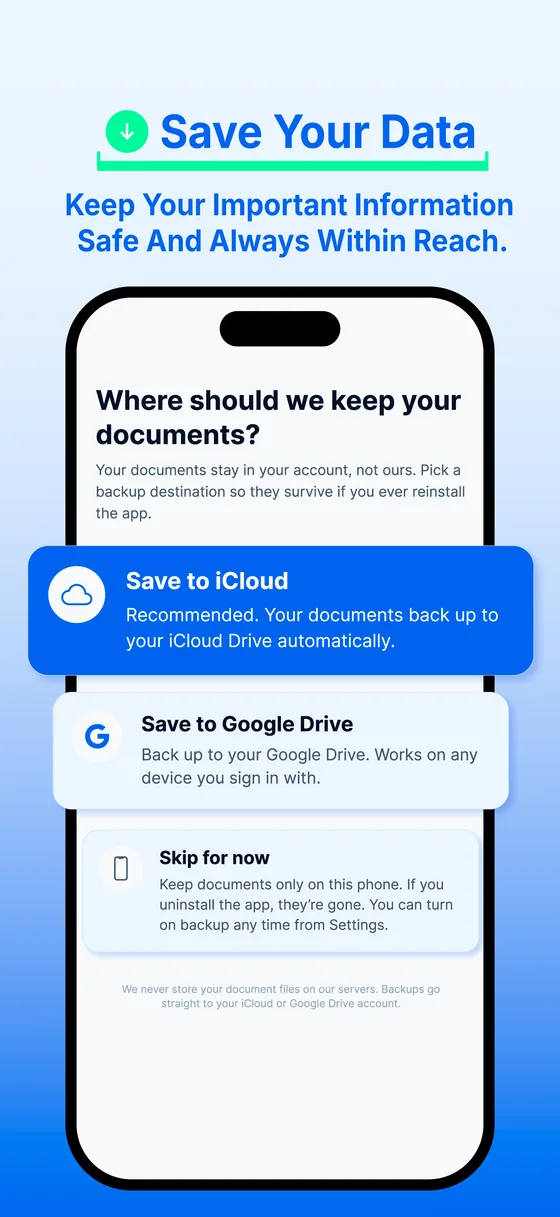
Optional iCloud or Google Drive backup, so your documents are there on your next phone. Off by default.
-
Bring files in from anywhere
Open a PDF from Files, Drive, Mail or a share sheet and it lands in the library ready to edit.
-
Works on a plane
Scanning, reading the text, editing, organising and printing all run offline. Only the AI features need a connection.
The documents people scan are leases, payslips and medical letters.
So the app is built so that almost none of it ever leaves the phone. Scanning, reading the text, searching, editing and printing all happen on your device — and the AI features stay switched off until you say otherwise.
- You are asked before the first AI request, and can switch it off again in Settings → AI and Privacy.
- When you do use AI, only the content being processed is sent — never your name, email or account ID.
- Print jobs go straight from your phone to your printer, so we cannot see what you print.
On your device
Works with the phone in aeroplane mode.
- Camera capture
- Edge detection
- Page filters
- Text extraction (OCR)
- Search
- Your library
- Printing
AI provider
Summaries, chat, extraction, smart naming, contract drafts.
- The page text you asked about
Never sent: your name your email your account ID
Scanning, reading and printing are free. Forever.
No page limit, no watermark on your documents, and no advertising anywhere in the app.
Free
$0
Everything you need to turn paper into a PDF and print it.
- Scanning, with the full set of page filters
- On-device text extraction and search
- Your document library and viewer
- Direct printing, with printer status and ink levels
- Explain a letter, receipts, IDs & warranties and homework help
- 50 AI credits every month
Premium
$9.99 / month
The editing, signing and AI tools, without a credit to think about.
- Everything in Free
- 1,500 AI credits every month
- Chat with a document
- Smart naming and tagging
- Field extraction from invoices, receipts and contracts
- PDF tools — merge, reorder, compress, convert
- eSignature, stamps and Get It Signed
- Contract creator
- Cloud backup and sync
Premium is an auto-renewing monthly subscription, billed to your Apple or Google account and renewing unless you cancel at least 24 hours before the current period ends. Manage or cancel it in your Apple or Google Play subscription settings — uninstalling the app does not cancel it. The price above is the United States tier; the app always shows the price for your own region and currency. See the Terms of Service and Privacy Policy.
Straight from the app
The same frames that appear on the App Store and Google Play listings.
Before you install
Anything else, email support@printerpilot.app — every message gets a reply.
Does it work if I never turn the AI on?
Yes. Scanning, page filters, on-device text extraction, search, your library, the page tools and printing all work with AI switched off. You are asked before the first AI request, and you can turn it off again in Settings → AI and Privacy.
Are my scans uploaded so they can be read?
No. Text extraction runs on your device — Apple Vision on iOS, Google ML Kit on Android. The camera images are not sent anywhere for that.
My printer is not showing up.
Printer Pilot looks for printers on the Wi-Fi network your phone is on, so check that the two are on the same network — or add the printer by its IP address. A few printers cannot take a PDF directly; for those, choose "Use system dialog" and the job goes through AirPrint on iOS or Android printing instead.
Does the person signing need the app?
No. Get It Signed creates a private link that opens in any browser on their phone or computer. They read the document, sign it, and you save the signed copy with a certificate page. The link expires after 14 days.
What is an AI credit?
One AI action — a summary, a question, an extraction. Free includes 50 every month, Premium includes 1,500. Everything that is not an AI feature costs nothing and has no limit.
Where are my documents kept?
On your device. You can optionally back them up to iCloud or Google Drive so they follow you to your next phone, but nothing is stored on our servers to be printed or read.
How do I cancel Premium?
In your Apple or Google Play subscription settings — uninstalling the app does not cancel a subscription. Cancel at least 24 hours before the period ends to avoid the next renewal.
The next form you have to sign, sign it standing up.
Scan it, correct it, sign it, merge it, print it. Printer Pilot is free to start, and the parts that matter most stay on your phone.
Google Play coming soon